 Grihaz
Grihaz keeps track of your home, so you don't have to.
Mark who came to work today, know exactly what to pay each person at month-end, and see what your household spends. Built for Indian homes with domestic staff.
Most homes track staff in a notebook, on WhatsApp, or from memory. That works until month-end, when nobody agrees on how many days were missed. Grihaz keeps one shared record for the whole household.
Staff, attendance and monthly pay
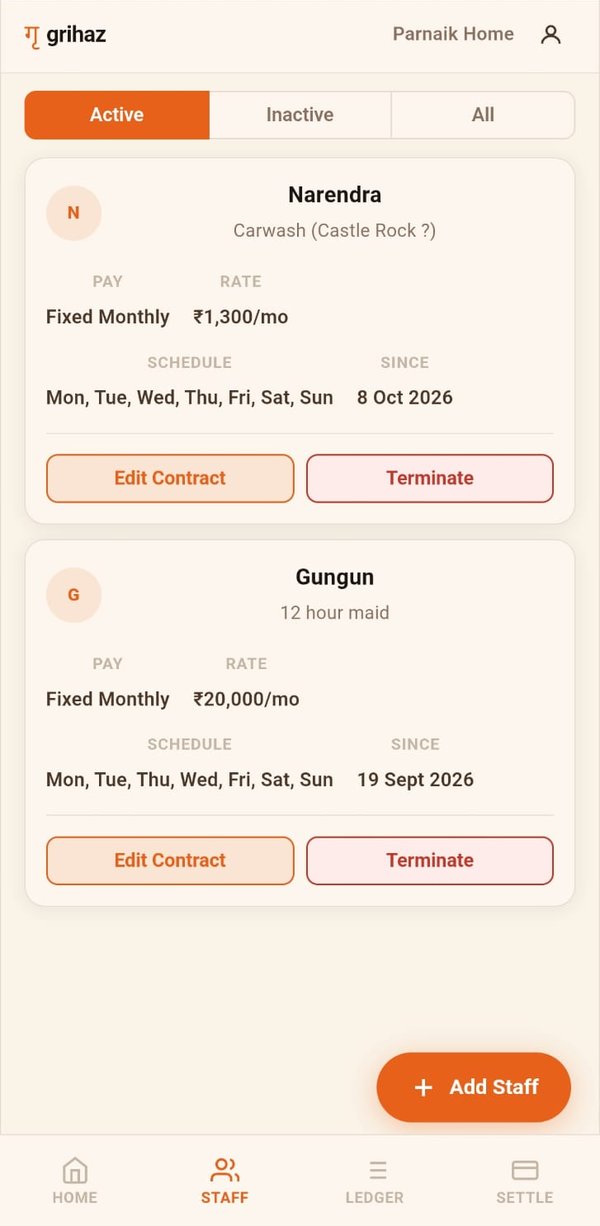
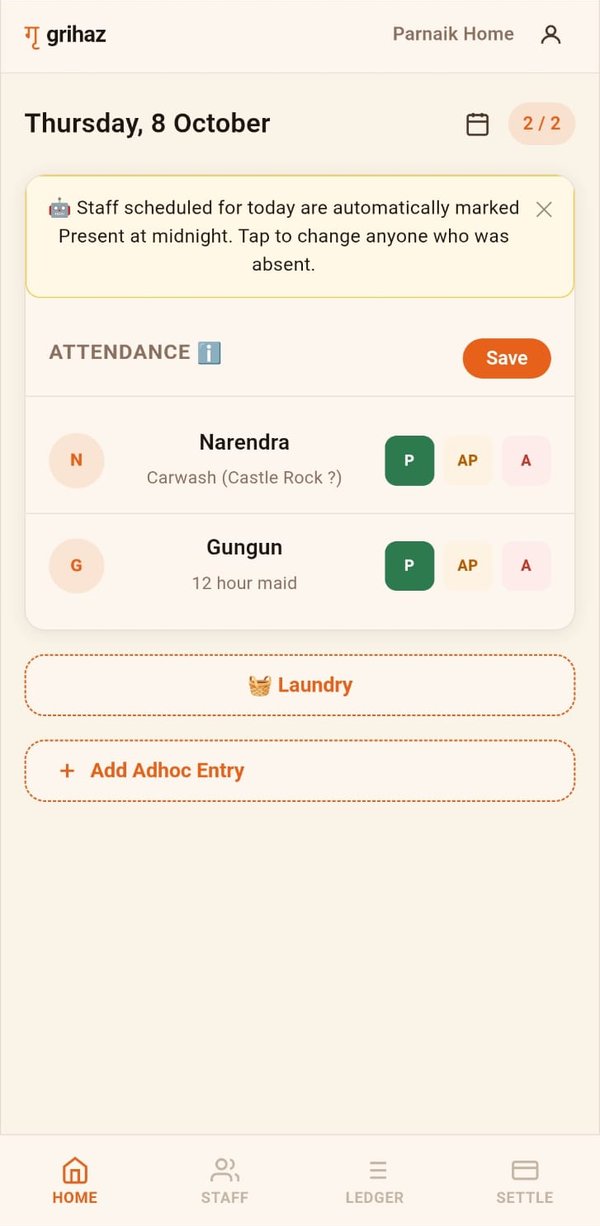
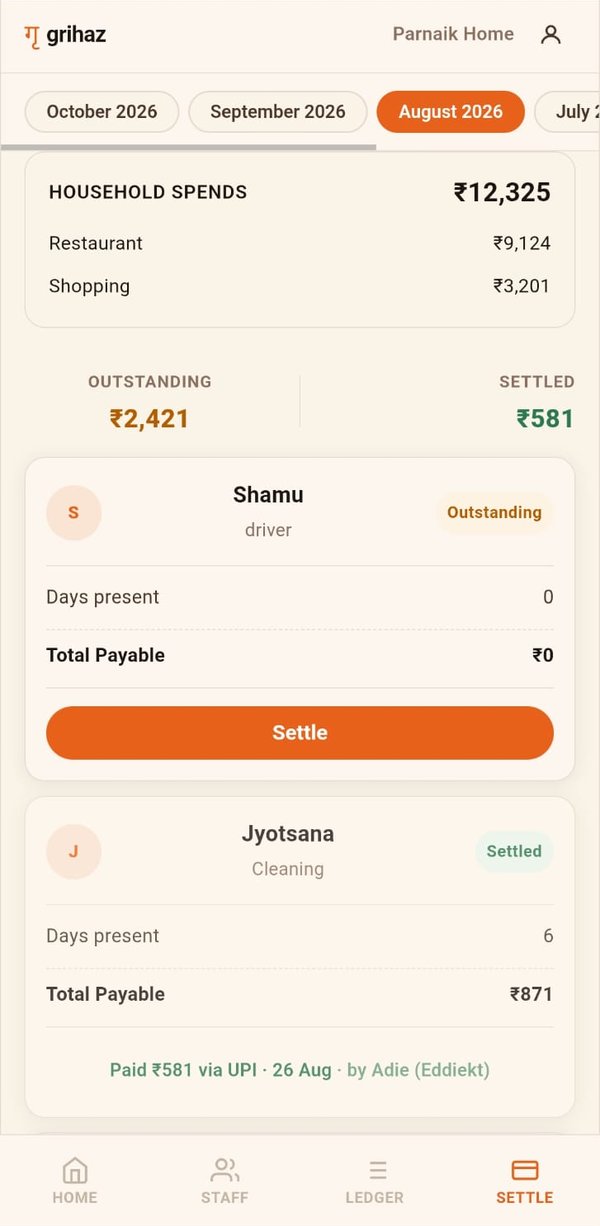
Add each person with their role, working days and pay: a fixed monthly salary, a daily rate, or per visit. Everyone scheduled is marked present automatically, and you change it in a tap when someone is absent. At month-end Grihaz shows exactly what each person is owed.
Laundry, item by item
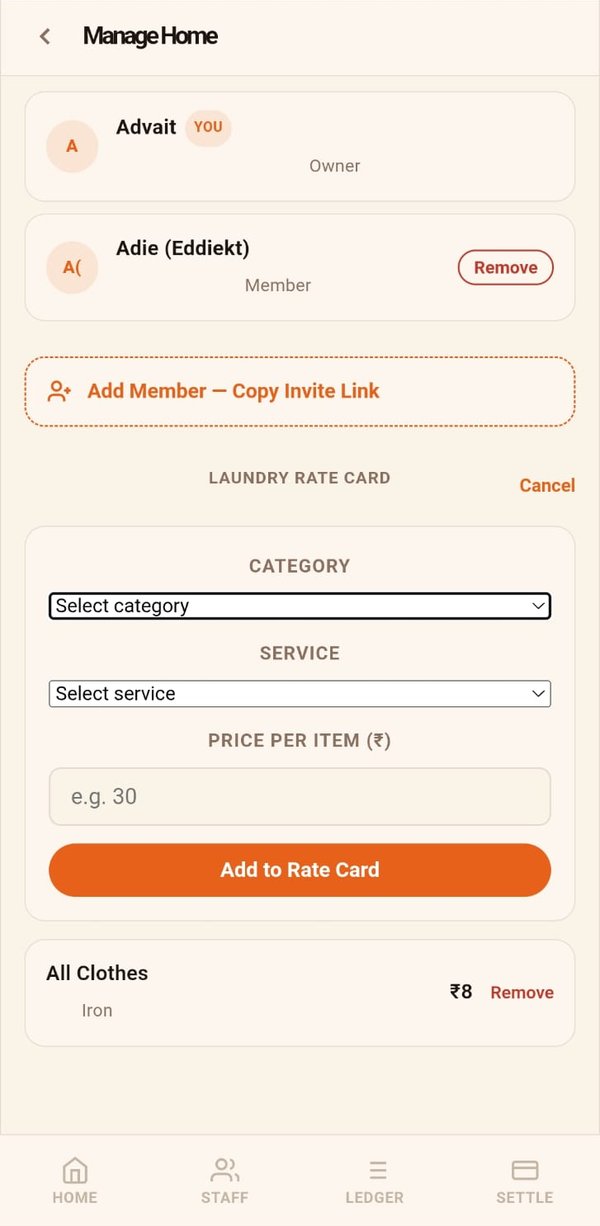
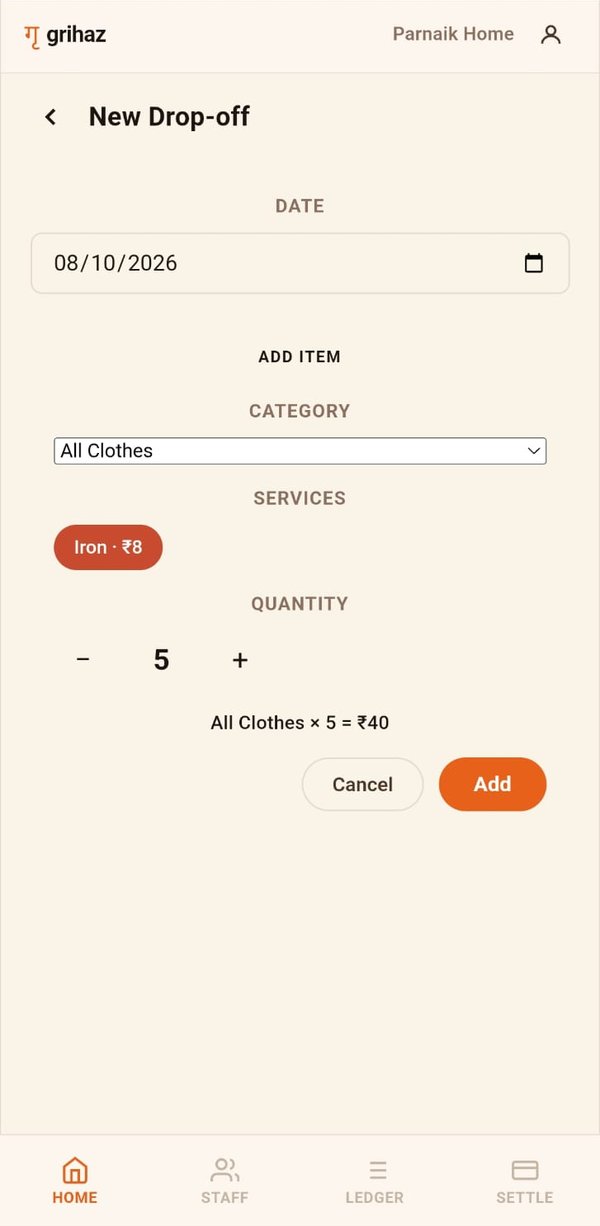
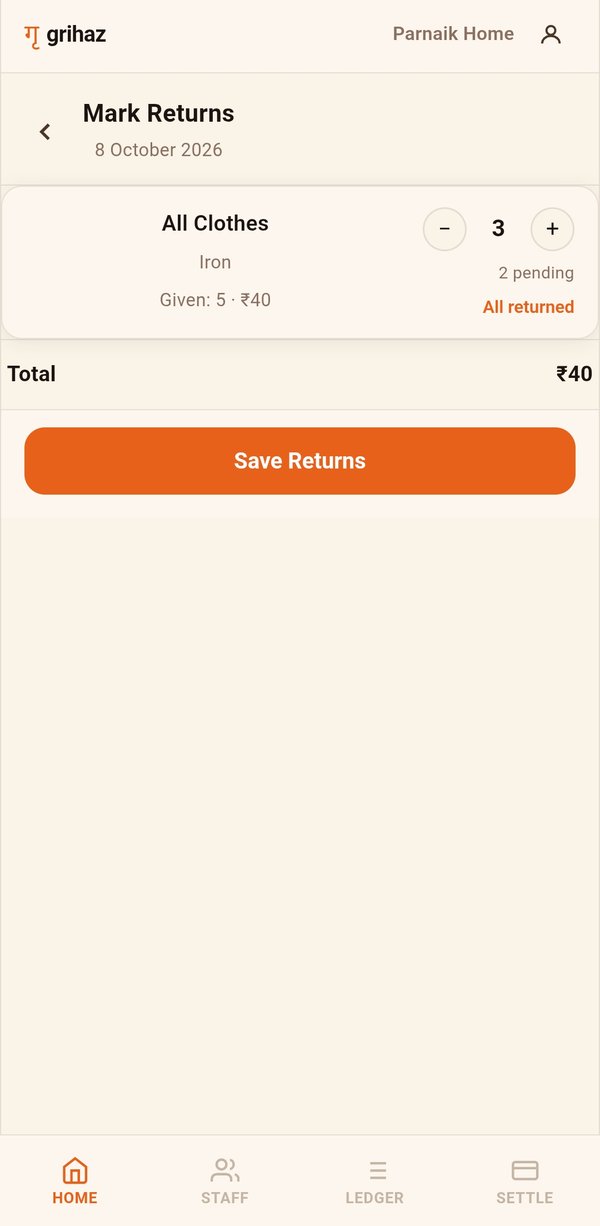
Keep a rate card for your laundry service, log what you hand over for washing, ironing or dry cleaning, and tick items off as they come back. The month’s bill adds itself up.
Share your home with family
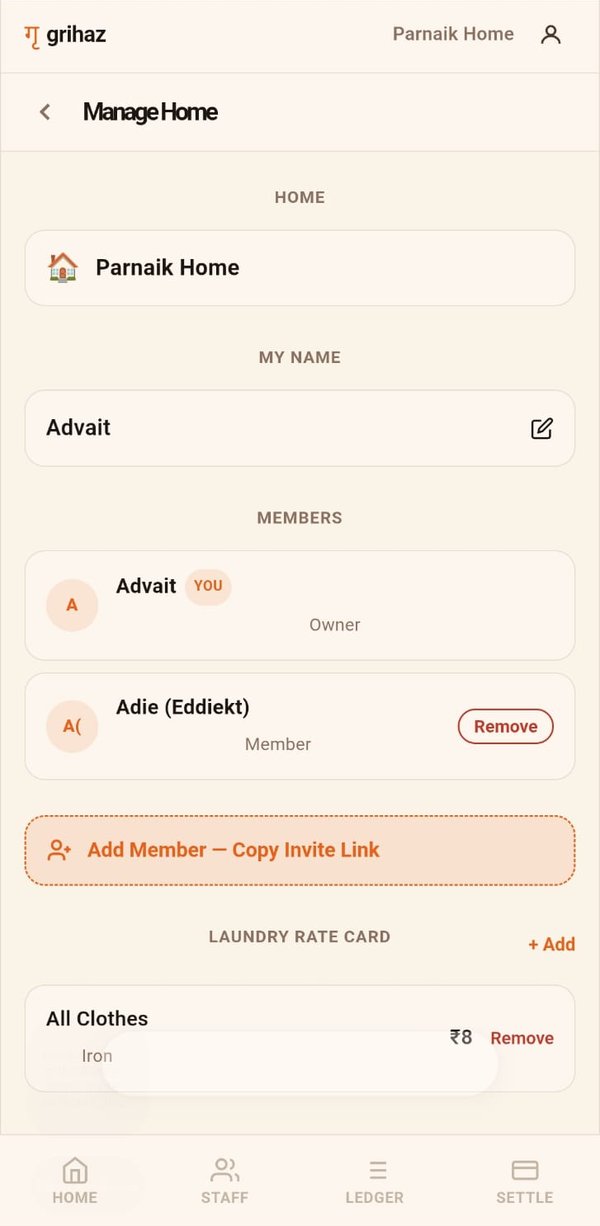
Invite your spouse, parents or anyone else who helps run the house. Everyone sees the same records, and anyone can mark attendance or log laundry.
Online orders, tracked for you
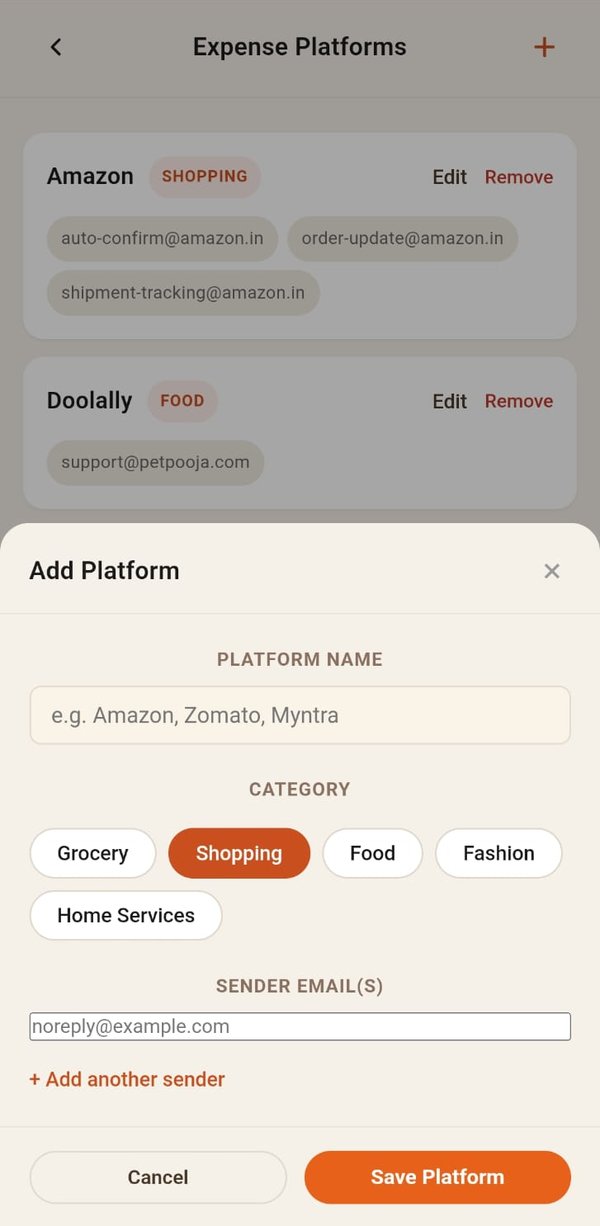
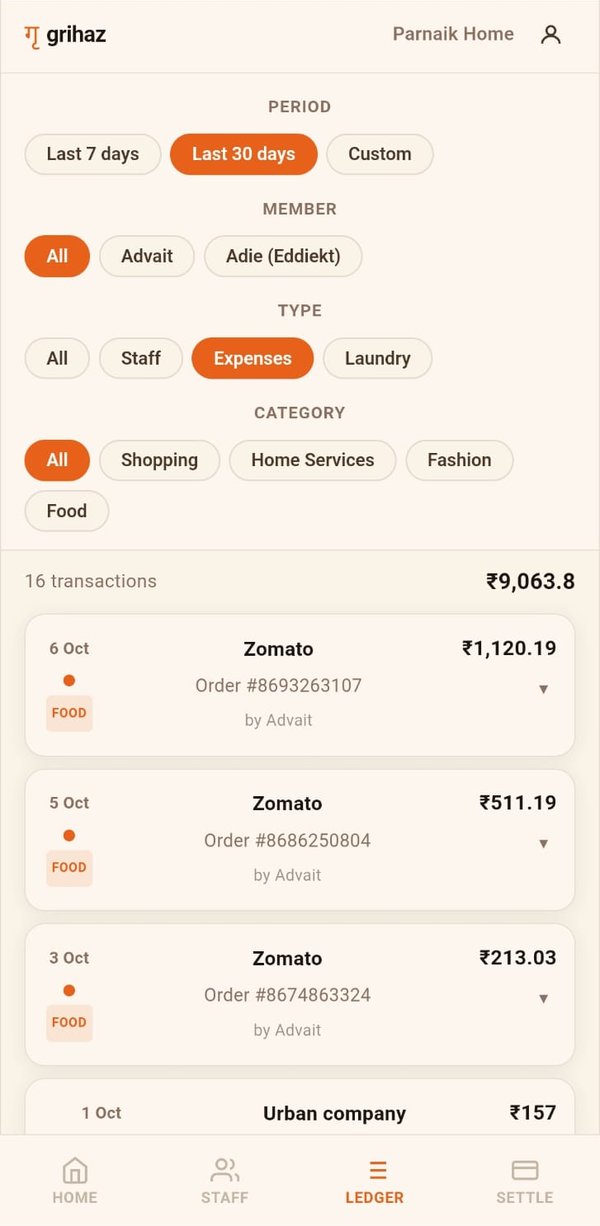
Choose the shopping and delivery platforms you use. If you connect Gmail, Grihaz reads their order confirmations and adds each order to your ledger, so you can see household spending by category and by family member.
How the Gmail connection works
Connecting Gmail is optional. Grihaz works fully without it. If you do connect it, here is exactly what happens.
- You connect your Gmail account from your Profile. Google asks for your permission. Grihaz requests read-only access, so it can never send, change or delete your email.
- You choose which shopping and delivery platforms to track. Grihaz only looks for order confirmation emails from the platforms you turn on, such as Amazon, Blinkit or Zomato.
- Grihaz reads those confirmations and adds the order to your ledger. It picks out the store, date, order number, amount and items. The email itself is not stored.
- You can disconnect at any time. Tap Disconnect in your Profile, or remove Grihaz from your Google account's permissions page. Grihaz stops reading your email straight away.
Grihaz never uses your email for advertising, never sells it, and never uses it to train AI models. The full details are in our privacy policy.
Bring your household into one place
Sign in with your email address. There is no password to remember, and you can invite your family to share the same home.
Open Grihaz